
Step 01 / 05
Workflow analysis
We map the current process, user roles and bottlenecks, and pin down the problem the software will solve.

Imagine software that runs your business from a browser.
We bring your Excel sheets, email threads and scattered tools together in one web app.
Overview
This monthActive orders
128
New customers
42
Avg. delivery
2.4 days

Our approach
Web software is a workspace your team opens every day.
So we start by understanding your workflow, then build the permissions, screens and integrations around it. That way the software adapts to the work, not the team to the software.
How we work
We plan every step clearly and tell you up front what each phase delivers.
Step 01 / 05
We map the current process, user roles and bottlenecks, and pin down the problem the software will solve.
Step 02 / 05
We design the database structure, permission model and integration points.
Step 03 / 05
We design the screens with realistic data and test them together with your users.
Step 04 / 05
We work in weekly releases and connect payment, email, SMS and accounting services.
Step 05 / 05
After launch, we watch error logs, performance and backups, and keep building as new needs come up.
We pick the right tool for each project and build foundations that stay maintainable for years.
One modern foundation for both admin panels and customer-facing pages.
A fast server layer for APIs, background jobs and integrations.
A strong, long-lived server foundation for enterprise needs.
A reliable relational data model and powerful reporting queries.
For setting up authentication, storage and real-time data quickly.
Data exchange with accounting, ERP, payment and shipping services.
What we check before we call a job finished. Each one is tested before delivery.
01
Admins, team members and customers see only the screens that matter to them.
02
Authorization, encrypted connections, access logs and daily backups are set up on every project.
Monthly growth
▲ trend
03
You see key metrics on one screen and can export reports.
export function Proposal() {
const weeks = plan(scope);
return <Timeline weeks={weeks} />;
}
04
Code reviews, automated tests and technical documentation at handover.
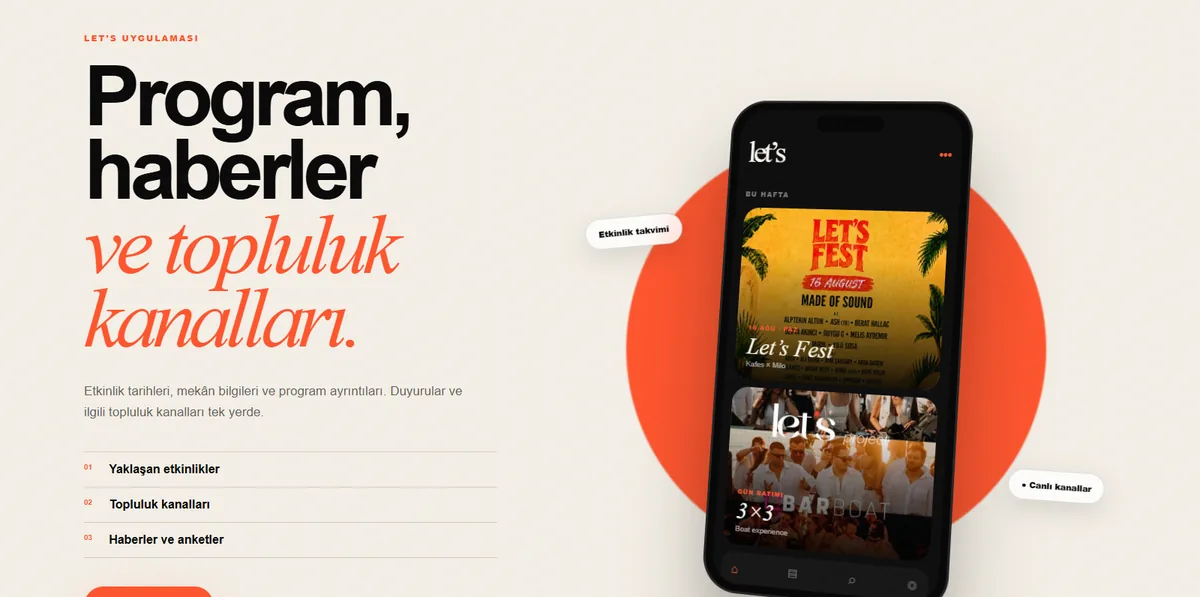
Website / Events & Community
The website of an Istanbul brand that runs parties, festivals and a DJ academy.
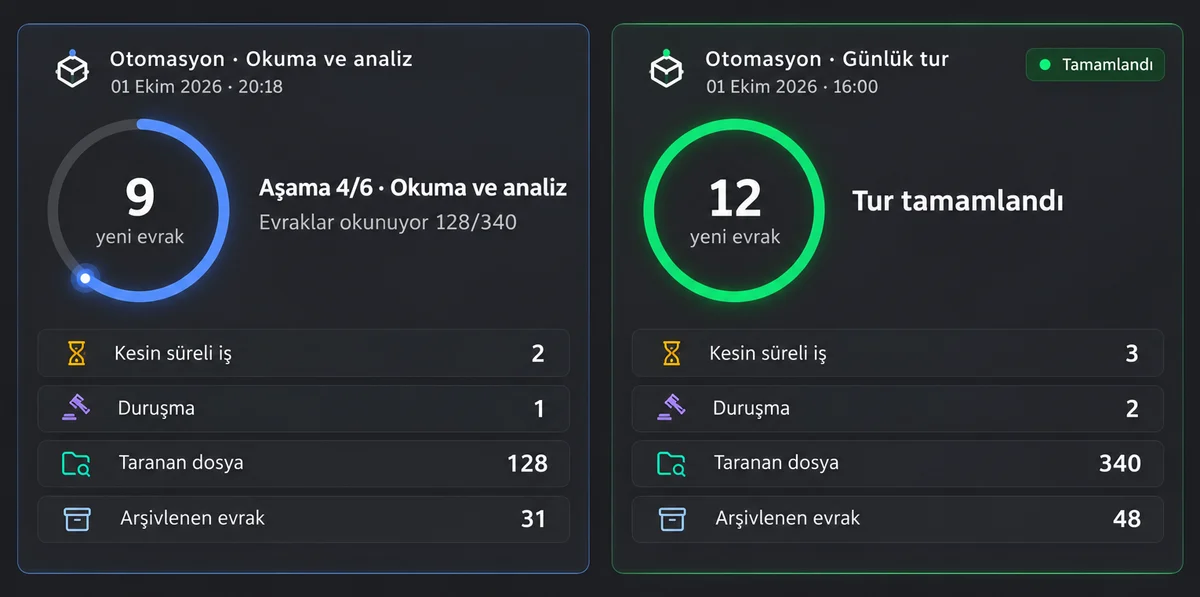
Desktop Software / AI
Case and practice management for lawyers, with a document studio and an AI assistant.
A note from our team
“We measure software's success by how little your team has to think to use it.”
The Selfmute Apps team
FAQ
If your question isn't here, a short message is enough; we answer the same day.
A website introduces your brand; a web application does a job. Apps where users sign in and get things done, such as order tracking, a customer portal, an appointment system or an admin panel, count as web applications.
Yes. We integrate with accounting, ERP, payment, shipping, SMS and email services through their APIs. For systems that don't offer an API, we build data transfer solutions.
We design the infrastructure around your expected number of users and use cloud services that scale as you grow. Load testing shows us the limits before launch.
Role-based access control, encrypted connections, regular backups and access logs come standard. We clarify KVKK (Turkish data-protection law) requirements with you at the start of the project.
Yes, and that's the approach we recommend. We launch the most critical workflow first, then prioritize the next modules based on real usage.
After launch, we take on maintenance through a monthly support plan. If you'd like to hand it over to your own team, we also prepare documentation and technical training.